
Late on March 2026 I published the first piece about the latest NASA’s mission to the moon. However, the planning behind started just when I came back from the holidays the first week of January.
We had a lot of meetings with editors to make a plan for all the pieces we wanted to do, but there was one in particular that took me into a wild ride that included a lot of documentation and manual crafts, here’s a little behind the scenes of that project to produce a ~2min video.
A spark of inspiration
During a call with NASA’s PR team, they mentioned that the Moon will look about the size of a basketball held at arm’s length from the spacecraft window. This was mentioned repeatedly on various sites. I noted this down because I was already thinking to do a video explaining what astronauts will see while flying over the far side of the Moon, but after that statements, I was considering to use a printout of the Moon, the same size as the astronauts will see it, an sphere of about 9,4 inches.
Gathering data
The first thing in my to-do list was to familiarize myself with the geography of the moon. NASA said that Artemis II astronauts took geology and cartography classes, so if I was meant to explain something to the readers, I probably should do something similar. So my ride started with the many USGS maps in different projections and themes.
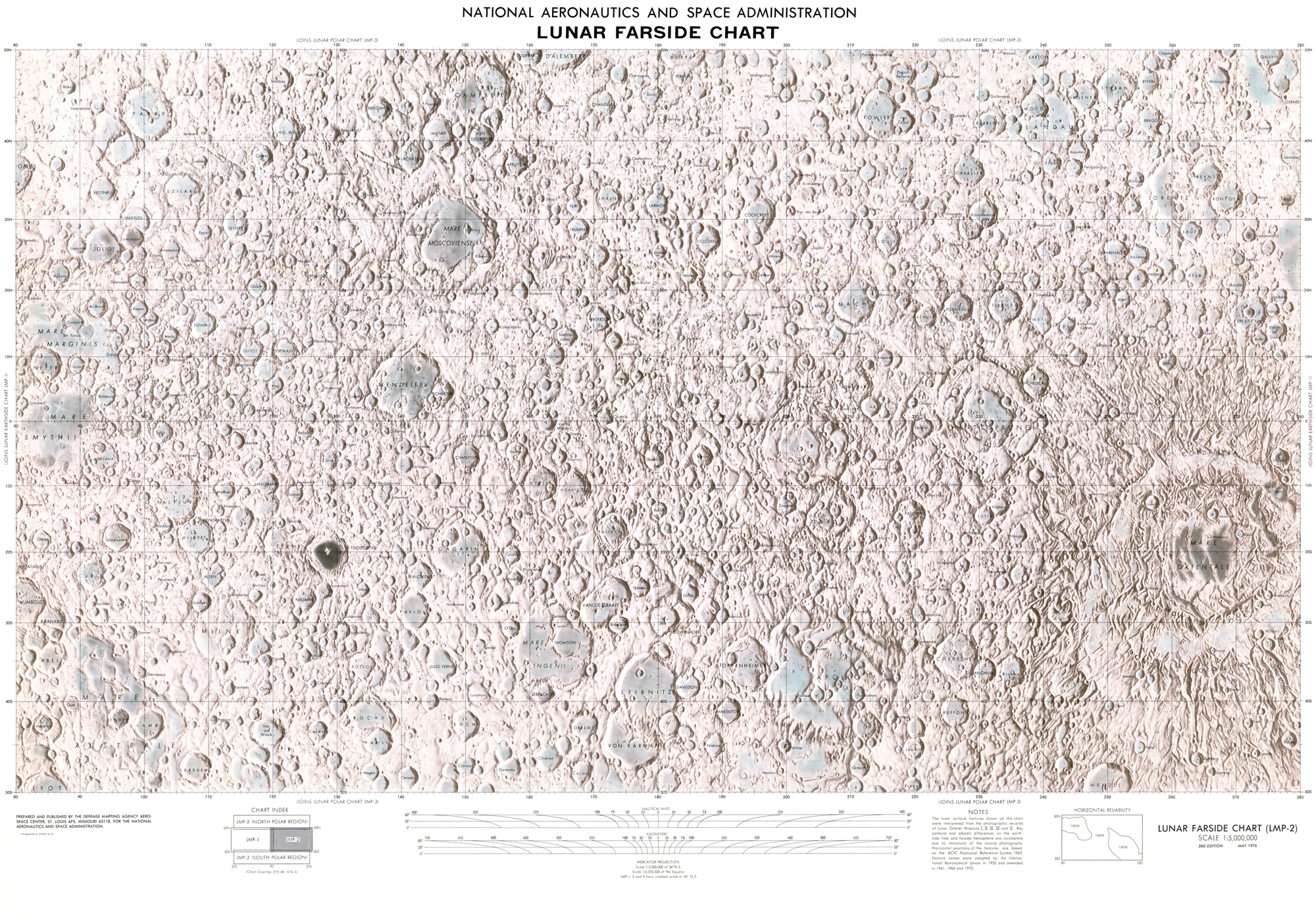
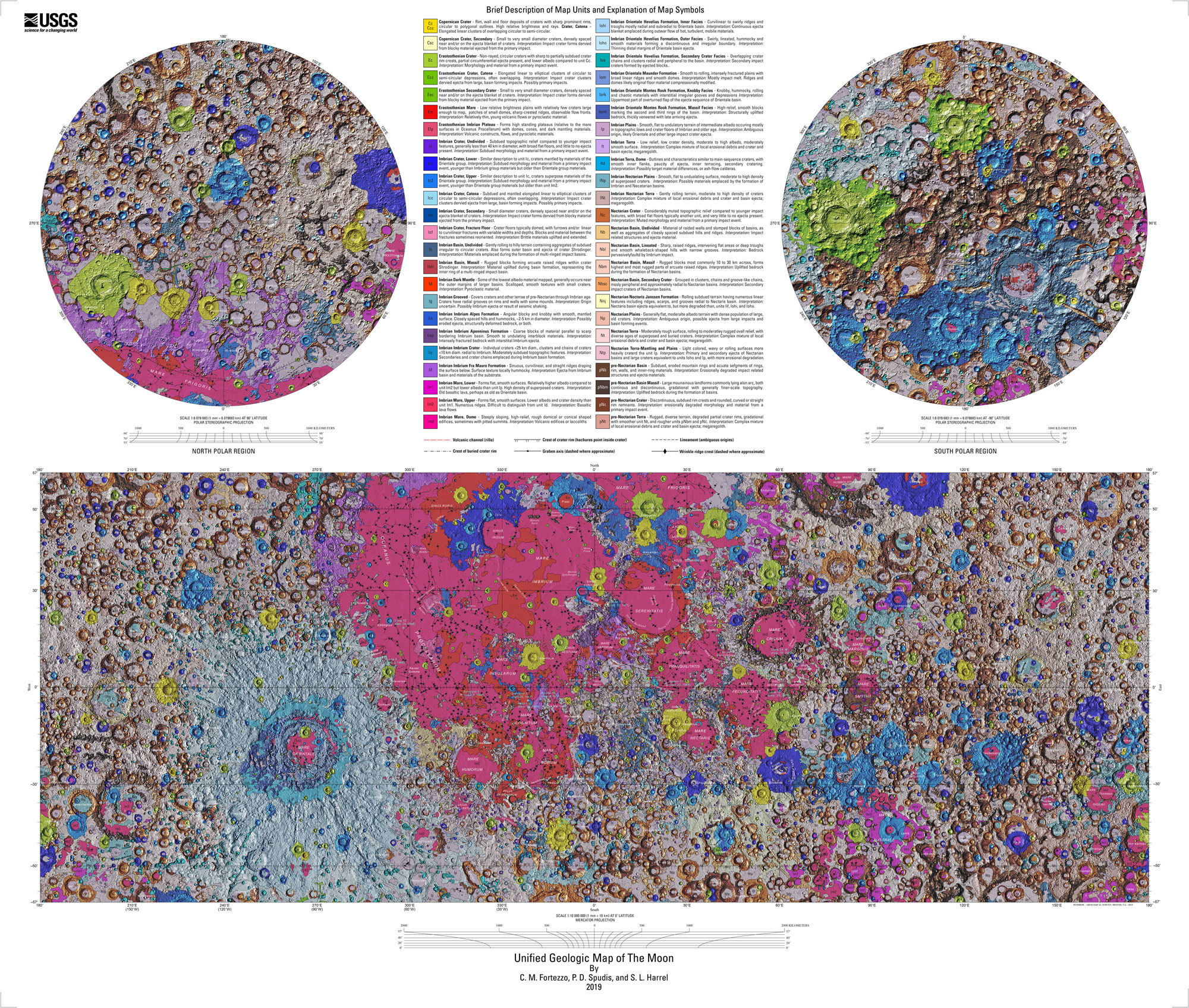
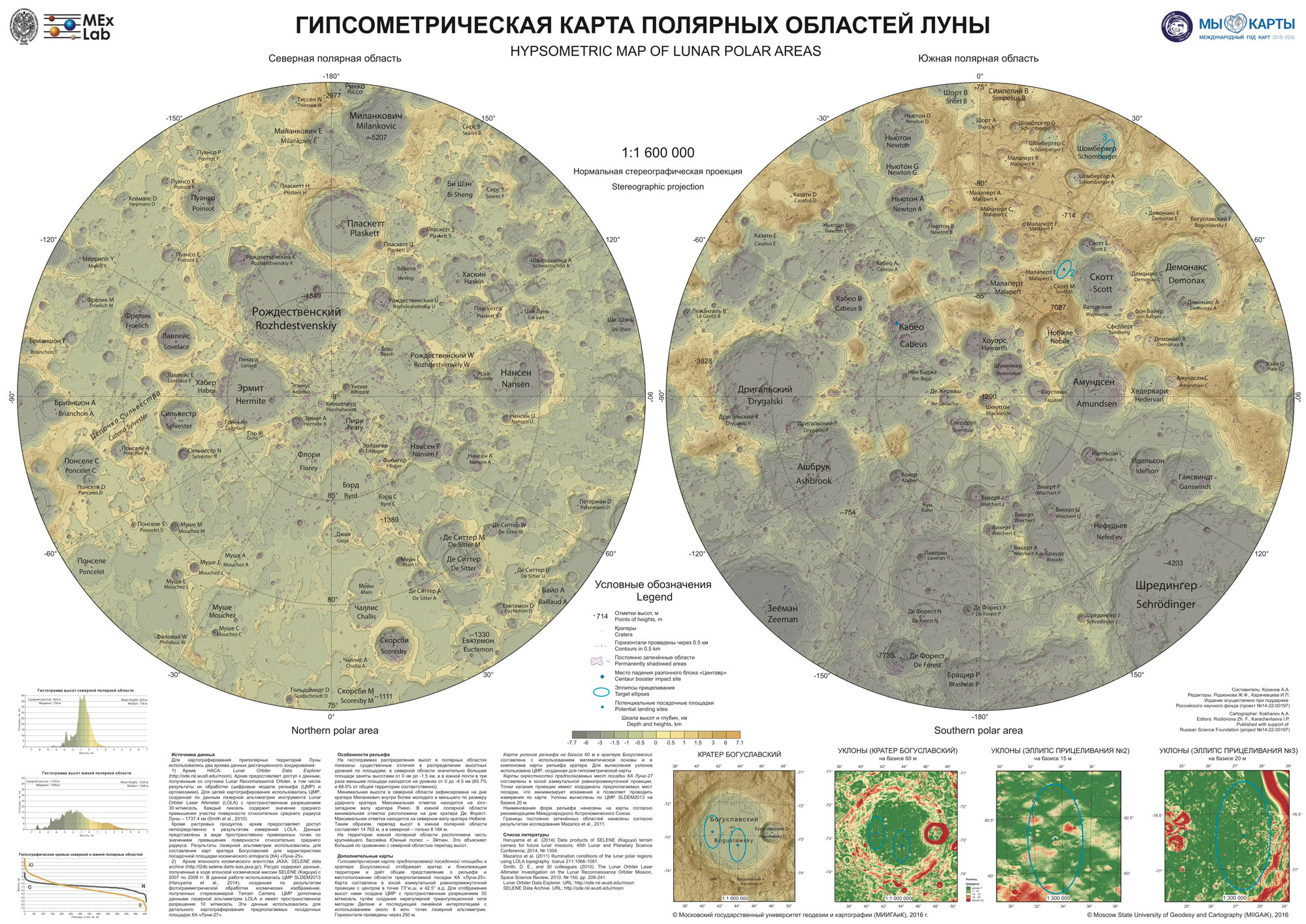
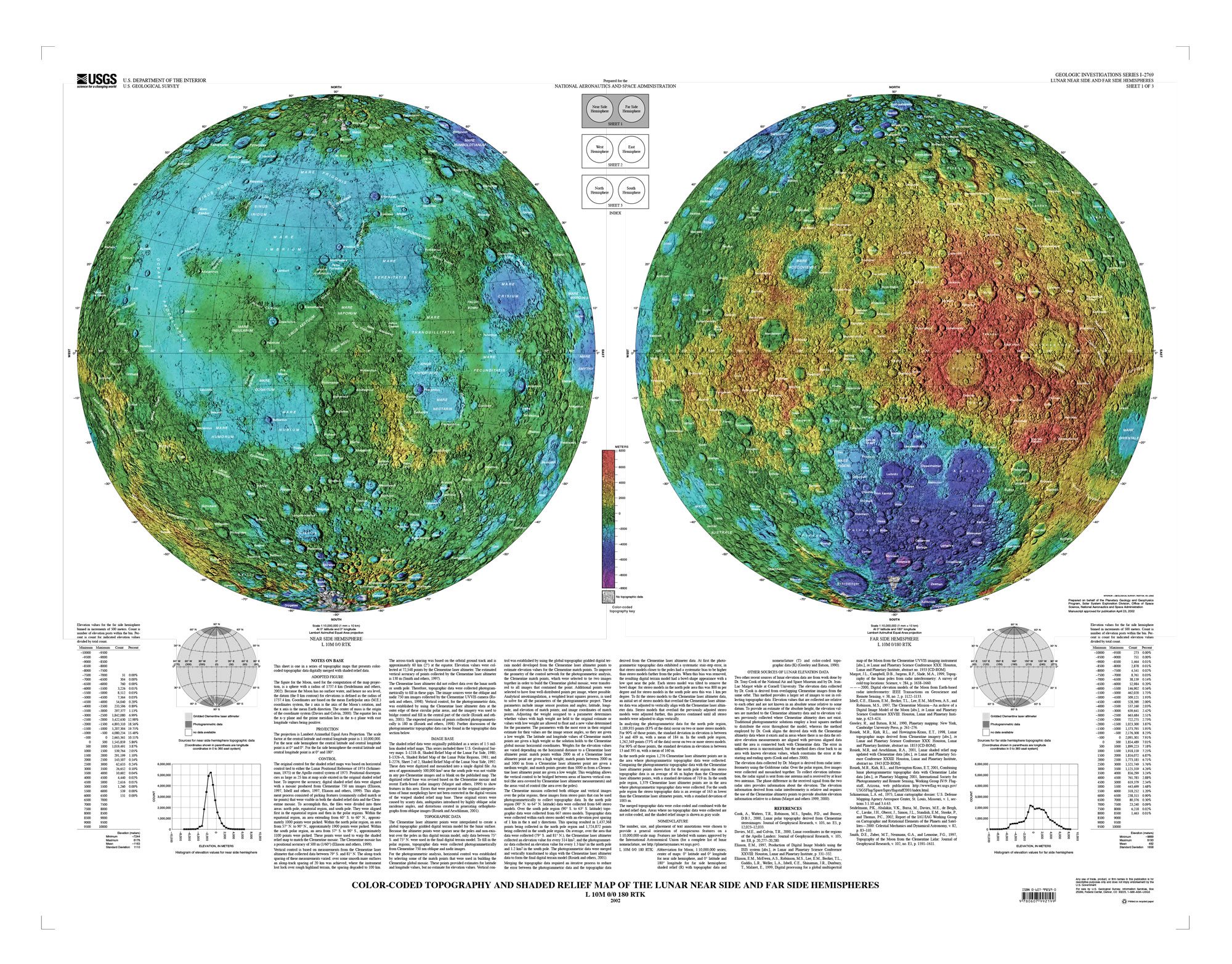
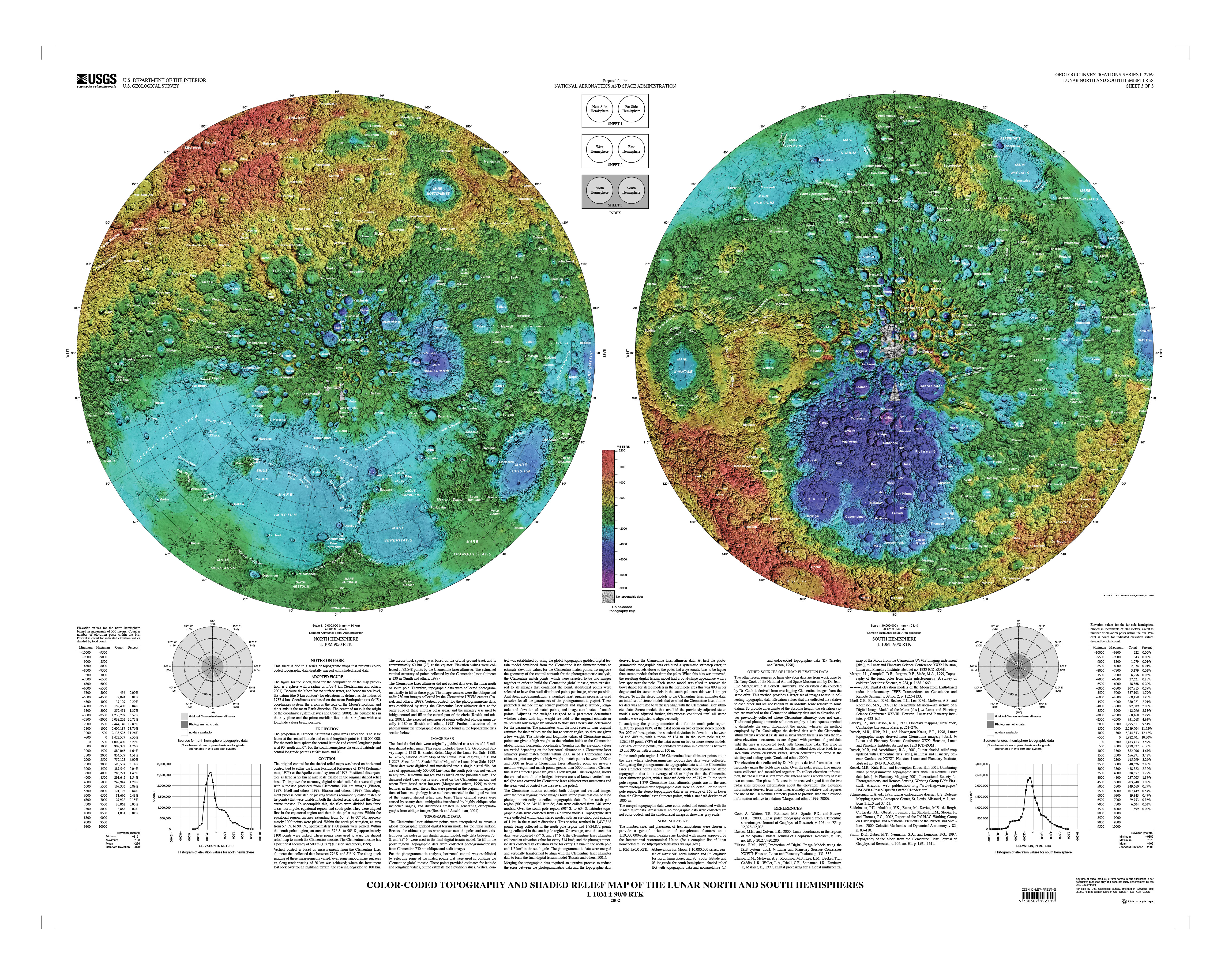
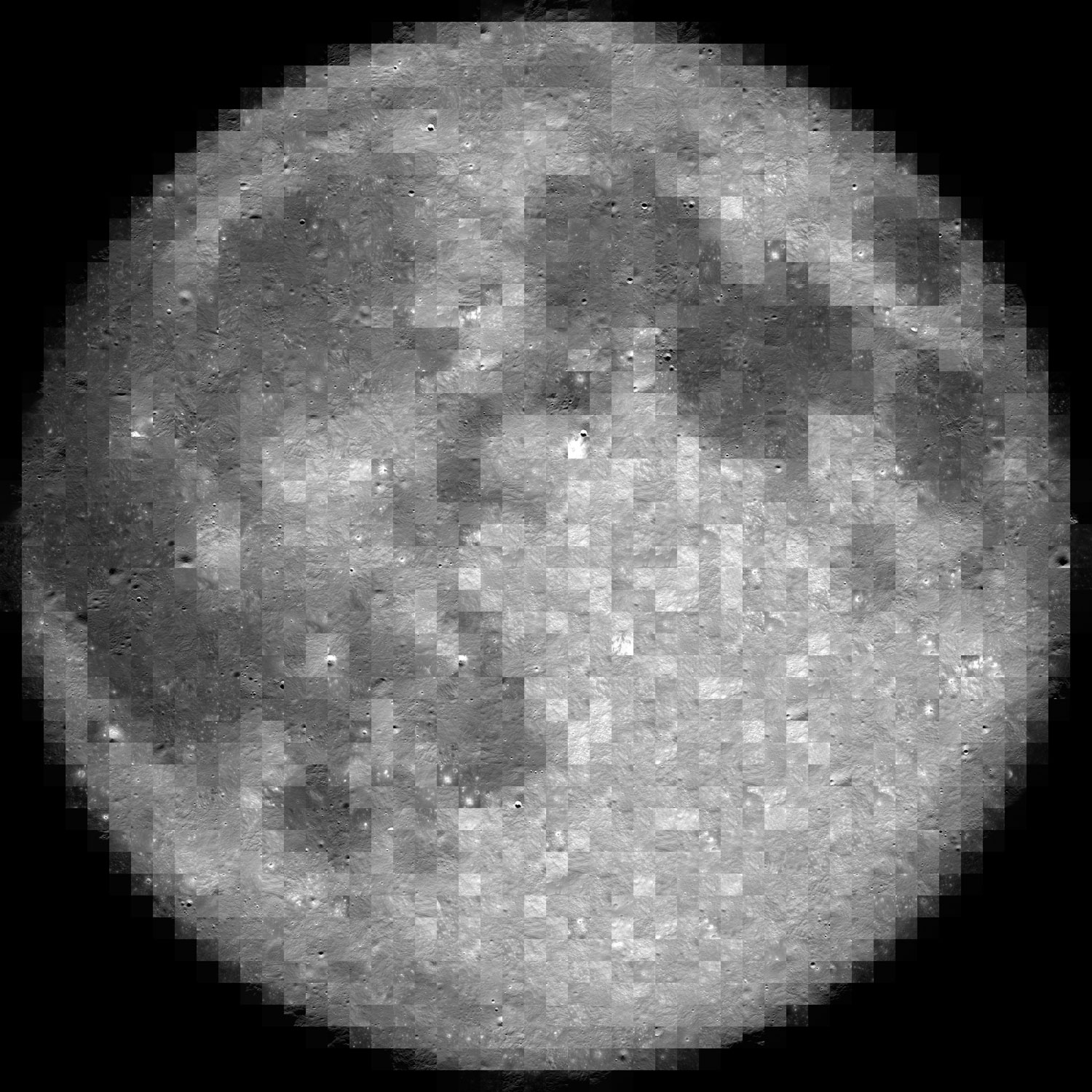
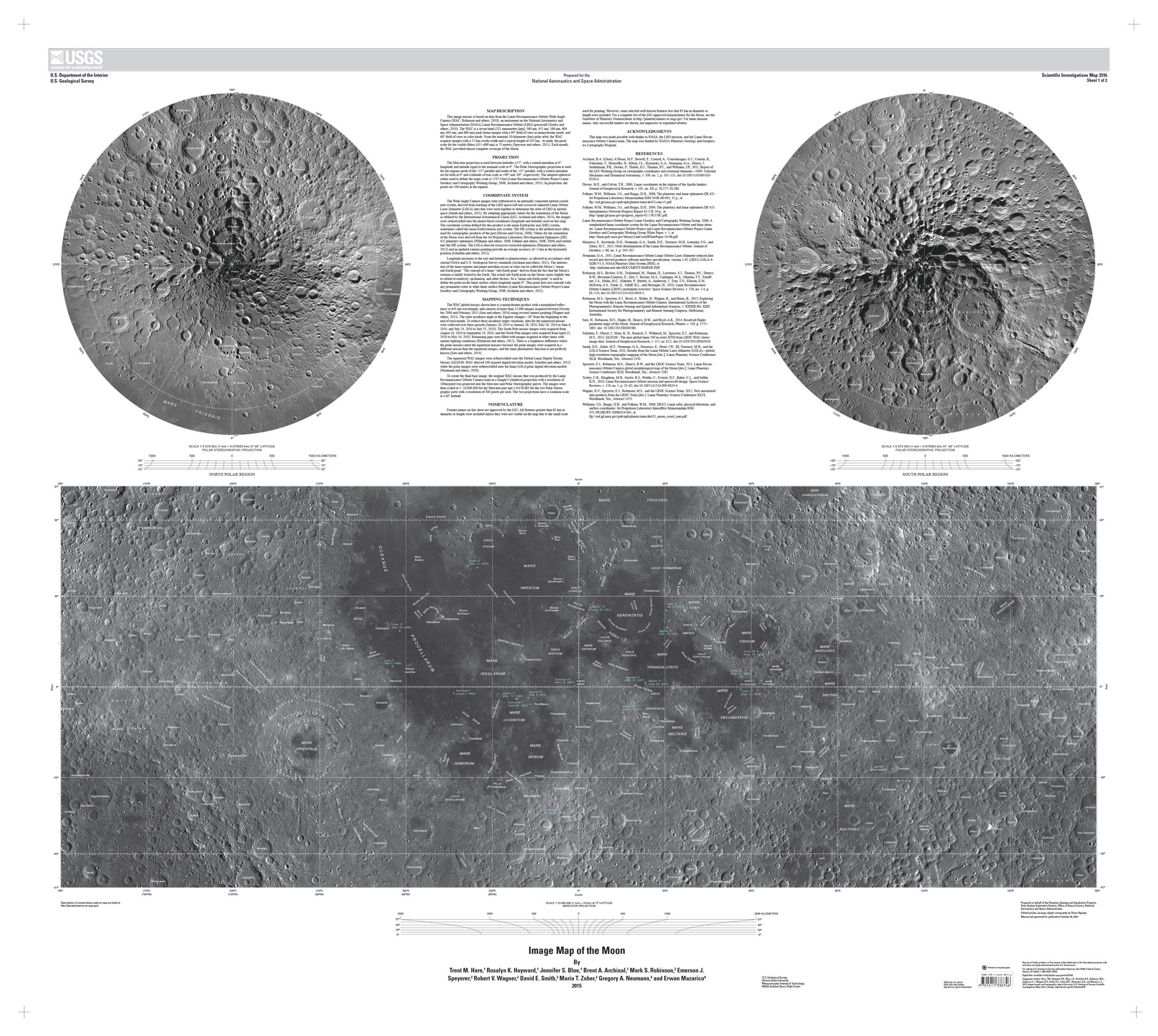
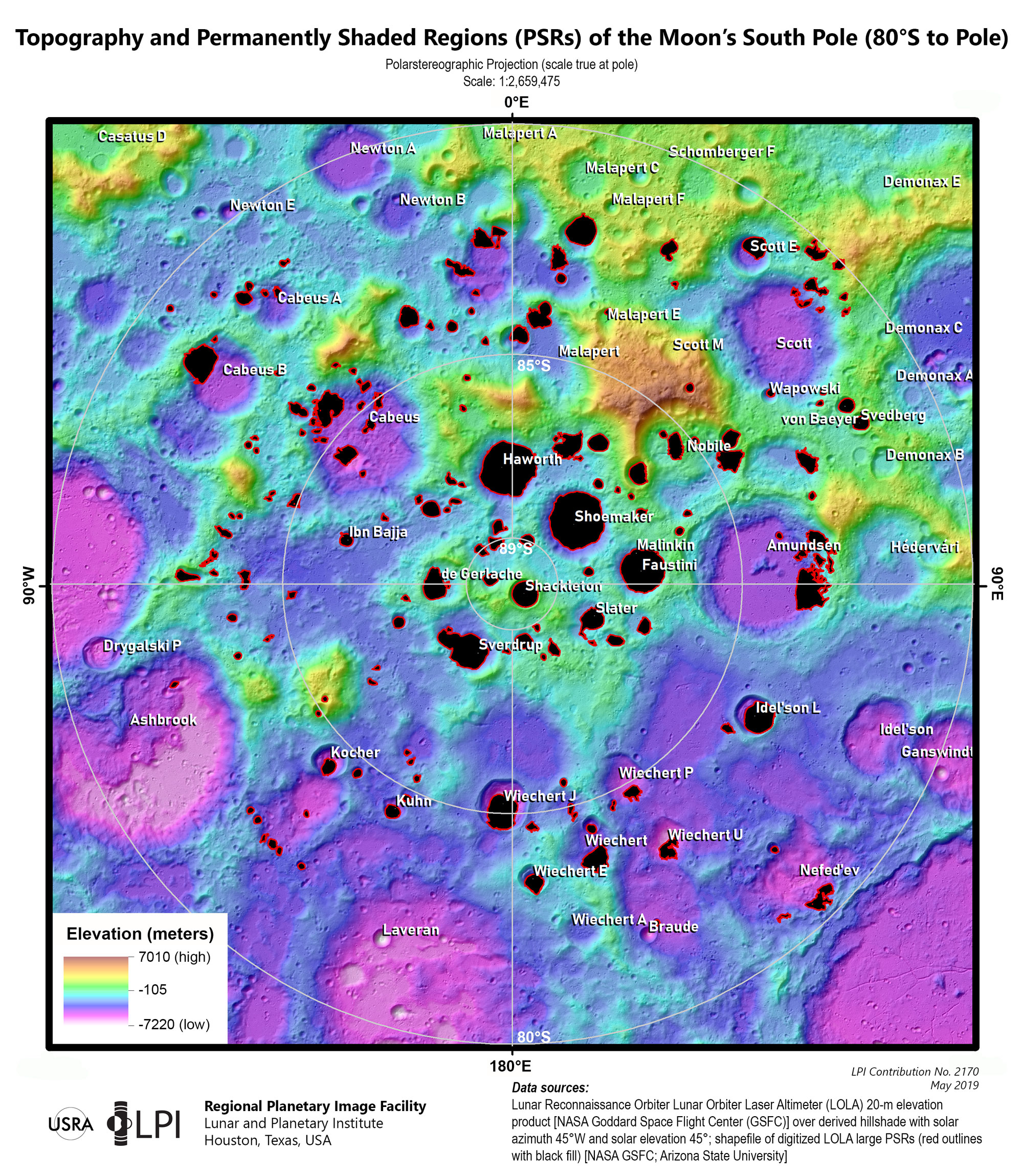
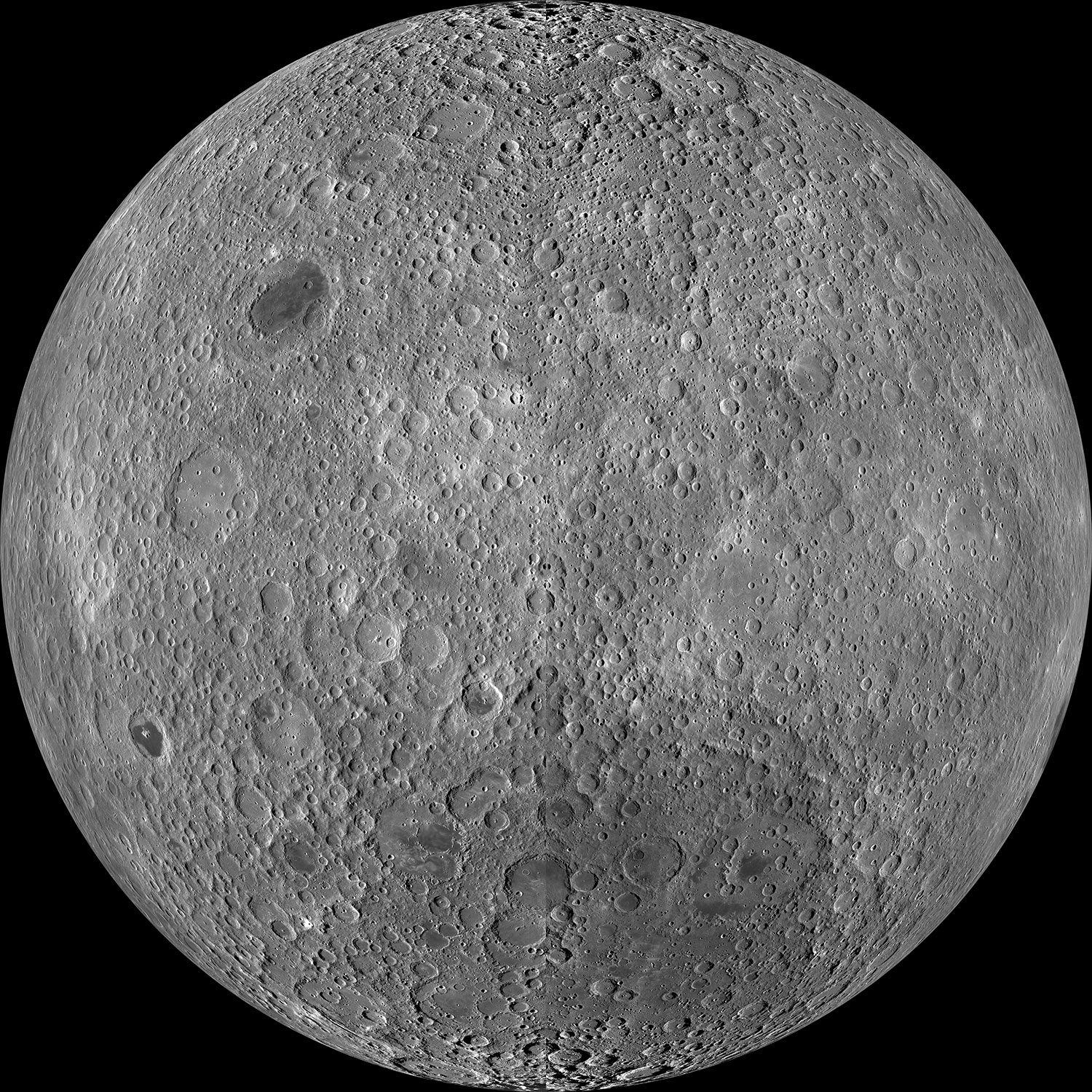
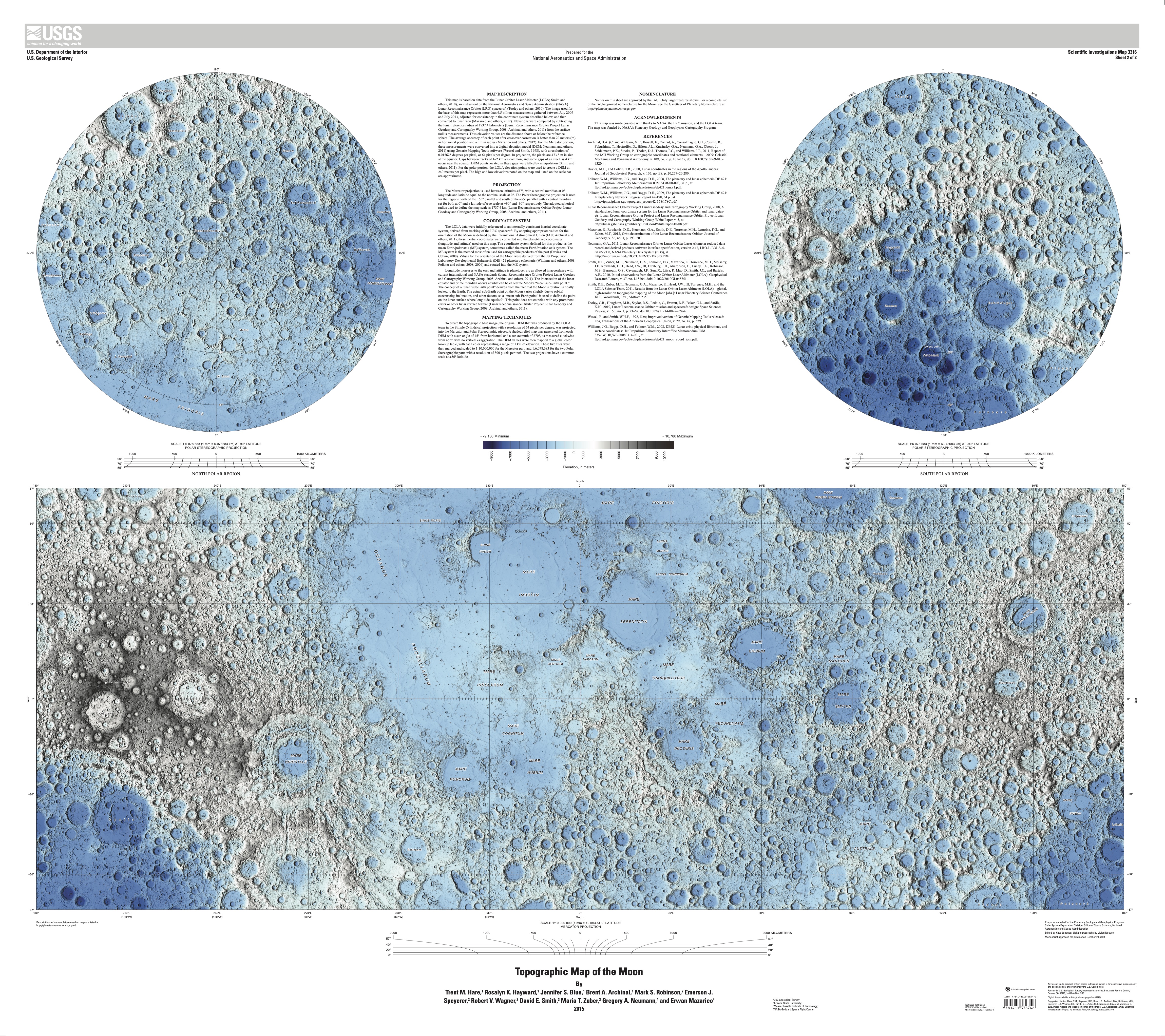
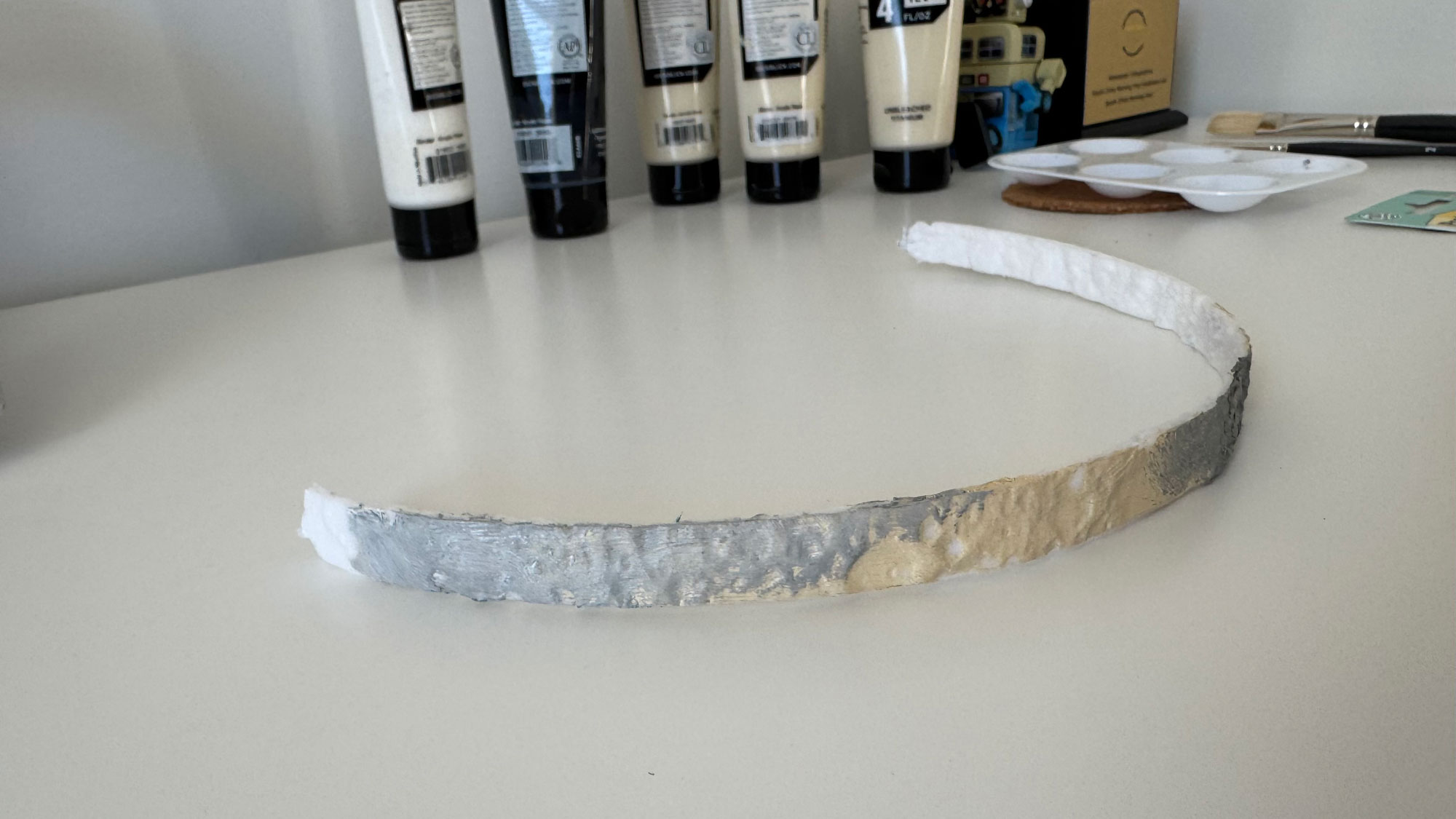
Some gigabytes and a few days later, I started to look at the 3d models with a little more of confidence, I made a small test printing a section of my model to try on the paint.
3D printing
Messing around with the 3D printer was a hoot! I hit a few bumps with the filaments, because our team has a Bambu Lab printer that feels like it has a mind of its own. I learned that generic filaments are great for tiny trinkets but a disaster if you leave the printer unsupervised for more than an hour. It was like leaving a toddler with a bowl of spaghetti; I had to stand by de-entangling the roll to get that first sample out. After a shopping spree for some new, tougher filaments, the drama was finally solved.
The printer comes with its own software that plays detective on your 3D model, helping you find those sneaky weak spots. These printers melt filaments and whip up thin layers to serve your model, so, if your model isn’t properly built, you may end up with miniature Swiss cheese holes or cantilevers that can potentially transform your model into a gooey glob that looks like it just lost a battle with a pack of chewing gum.
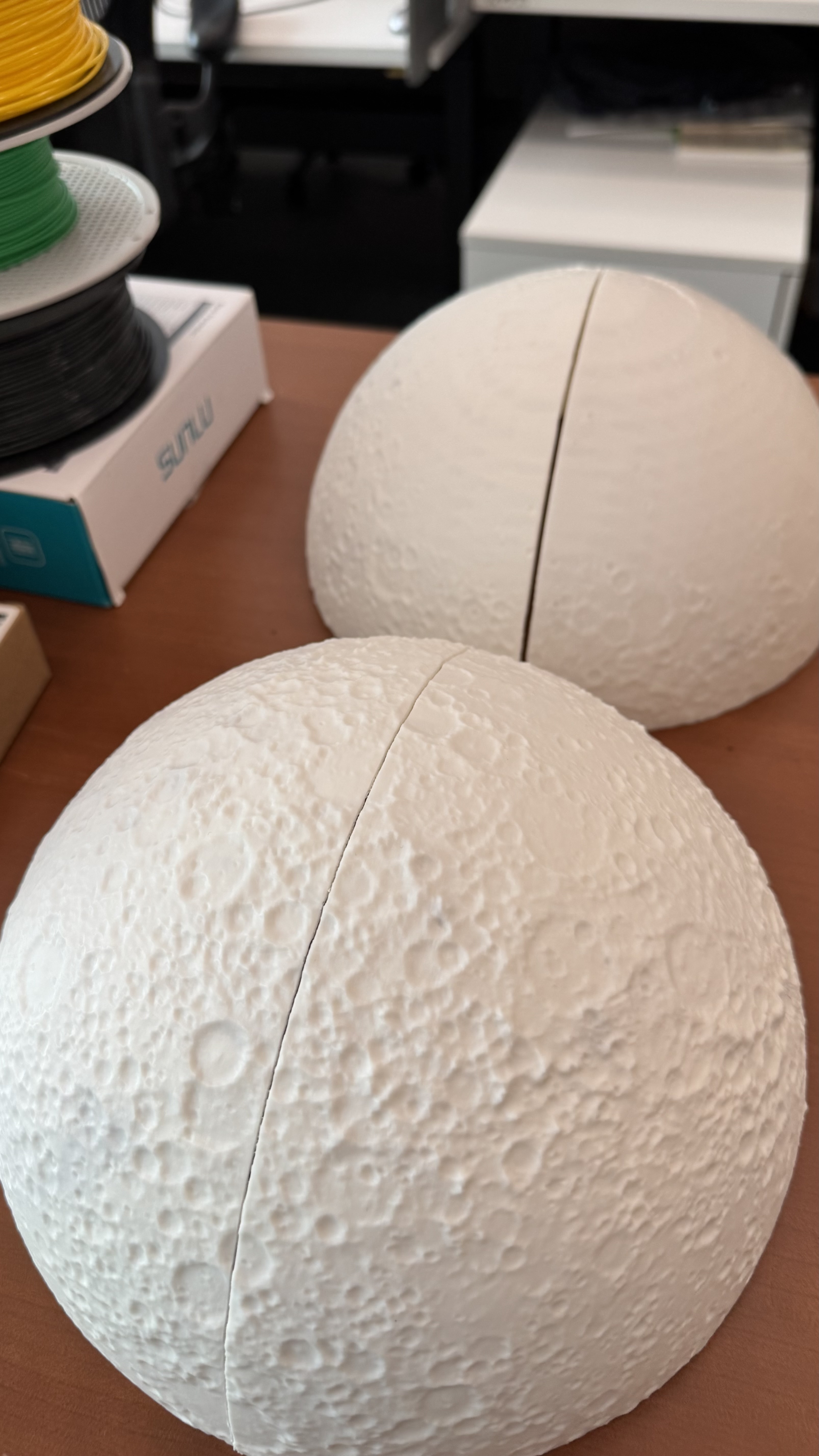
For the first full test, I printed out 4 wedges, I inspected the model and added organic supports to prevent the collapse of the model. The structure is actually very nice:
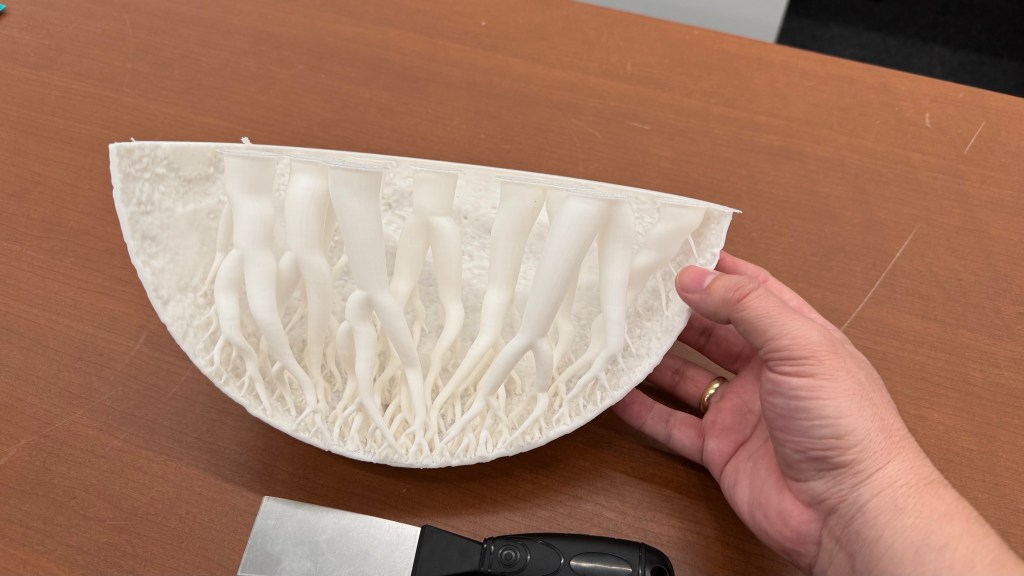
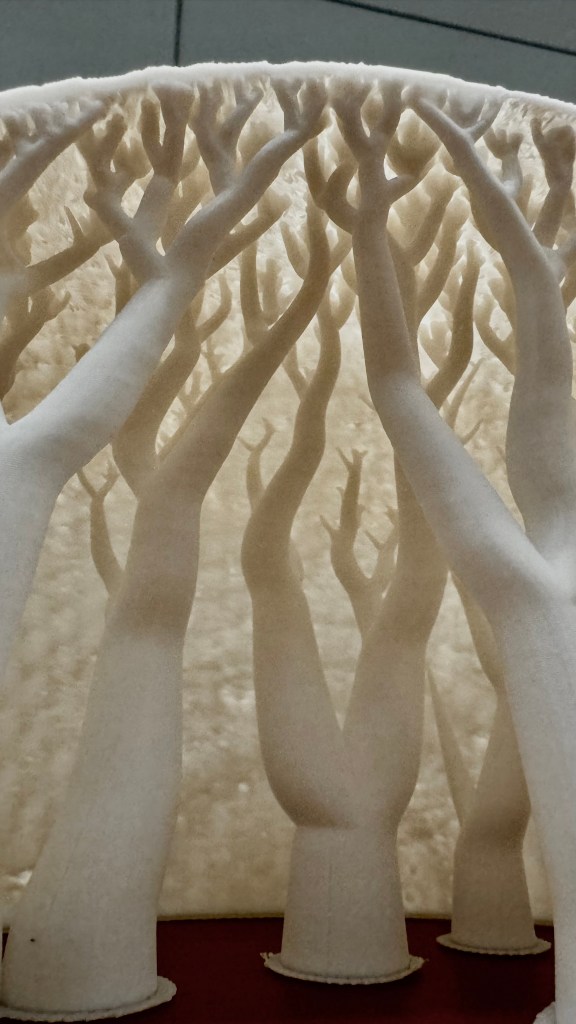
However, these organic supports only serve as support while the model is still hot. Once they cool down, you can just removed them. No one will see them because you have to glue them together.
How to paint it
Next step was to paint the model, pretty fun!
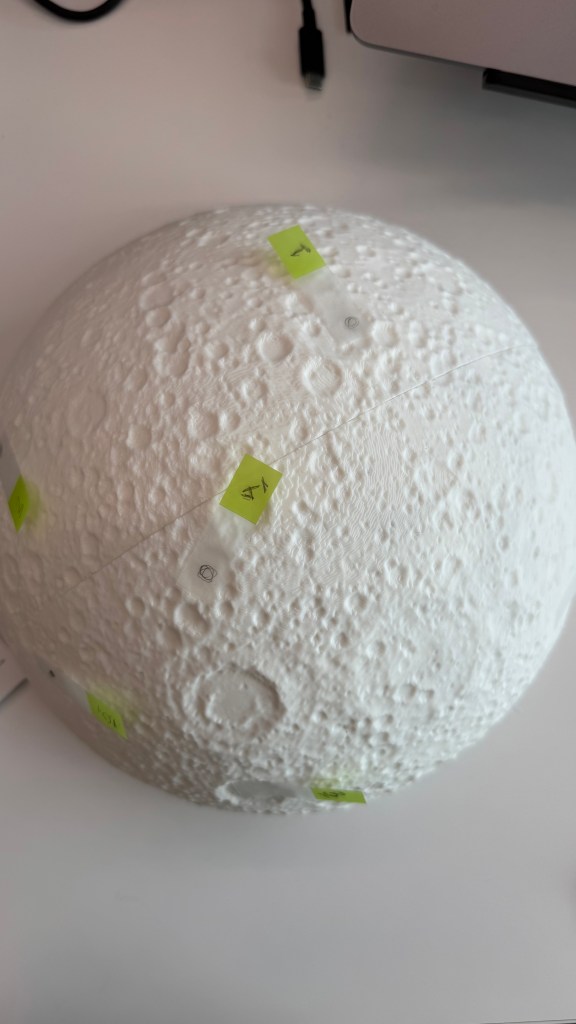
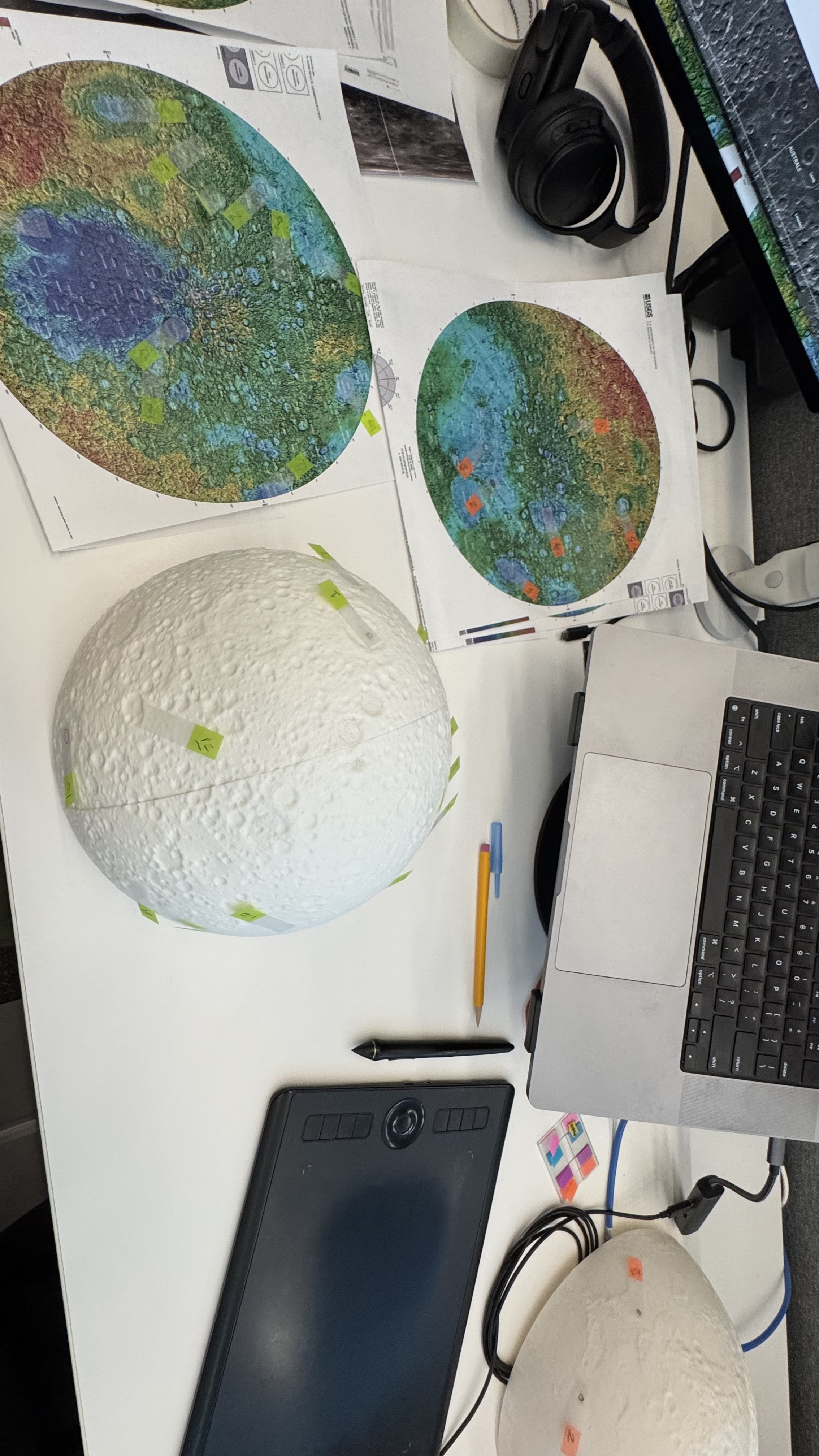
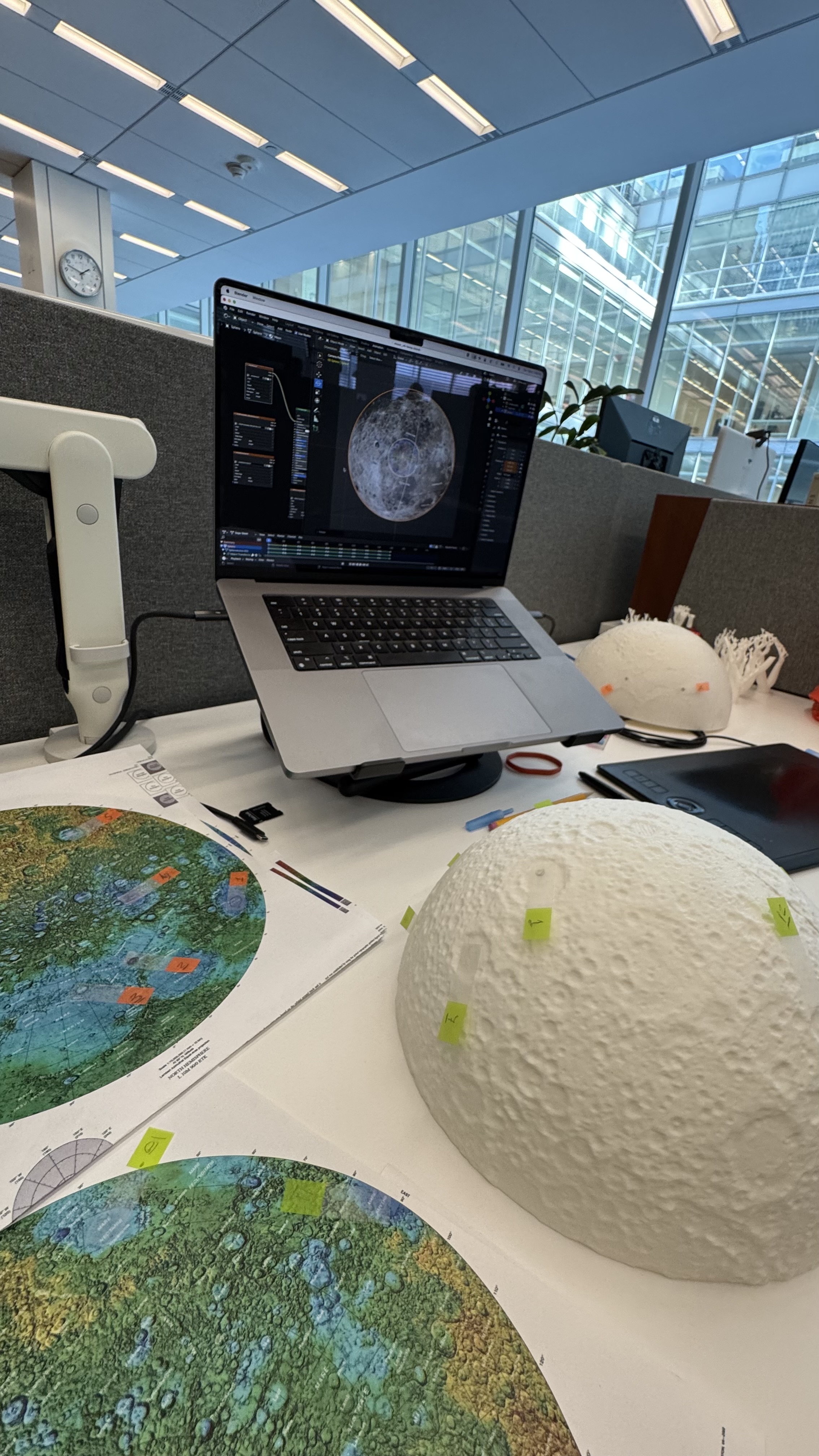
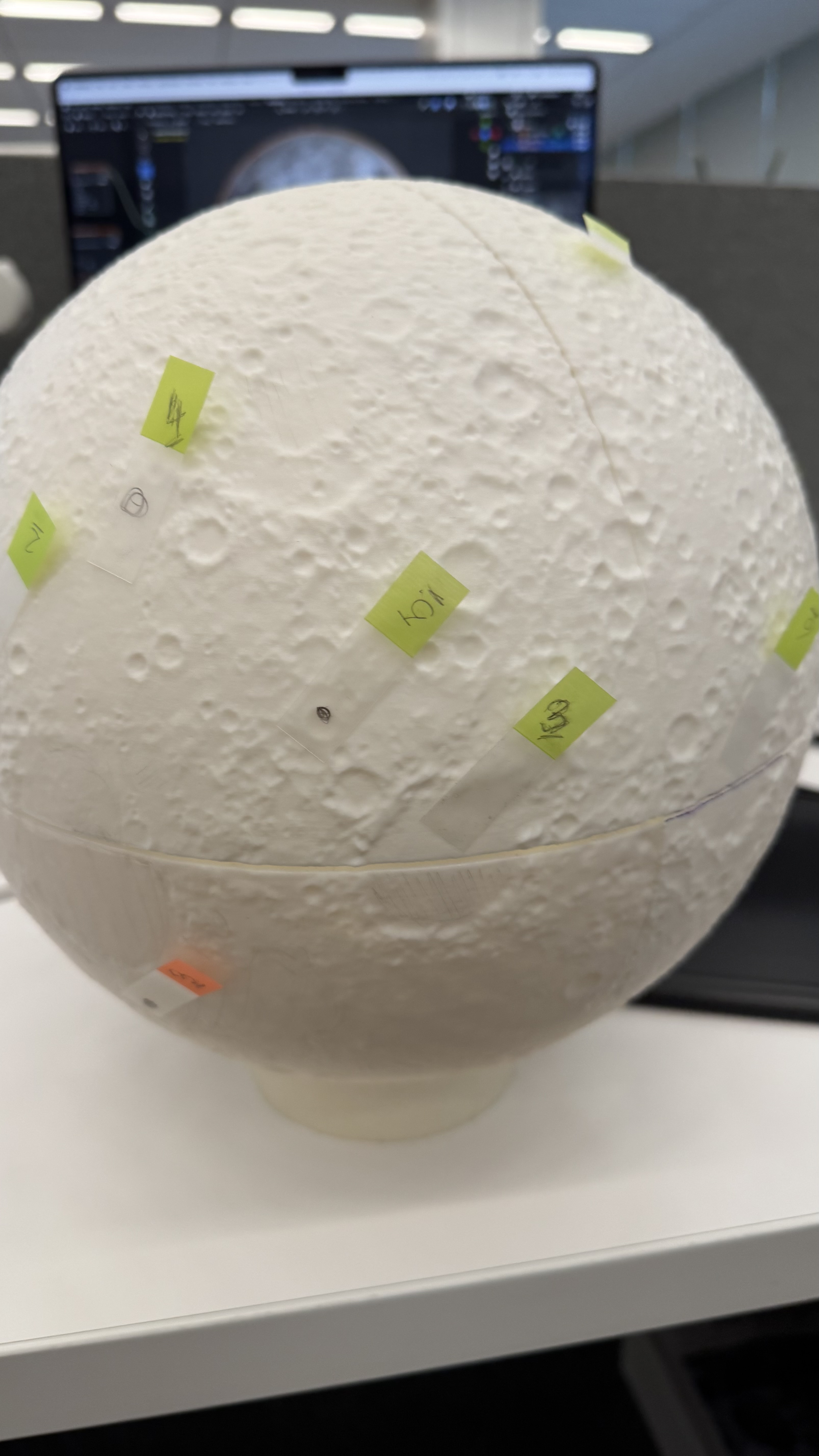
I used a bunch of different maps to be sure how to look and align the references to my model. I first tagged some craters and features just to be sure that I have the right alignment before jumping in with the brushes and acrylic paint.
Flat to Spheric
I used a equirectangular mosaic from NASA to get the base color guide, however to project that into my spheric model I need to process it like you will do to build an earth globe.
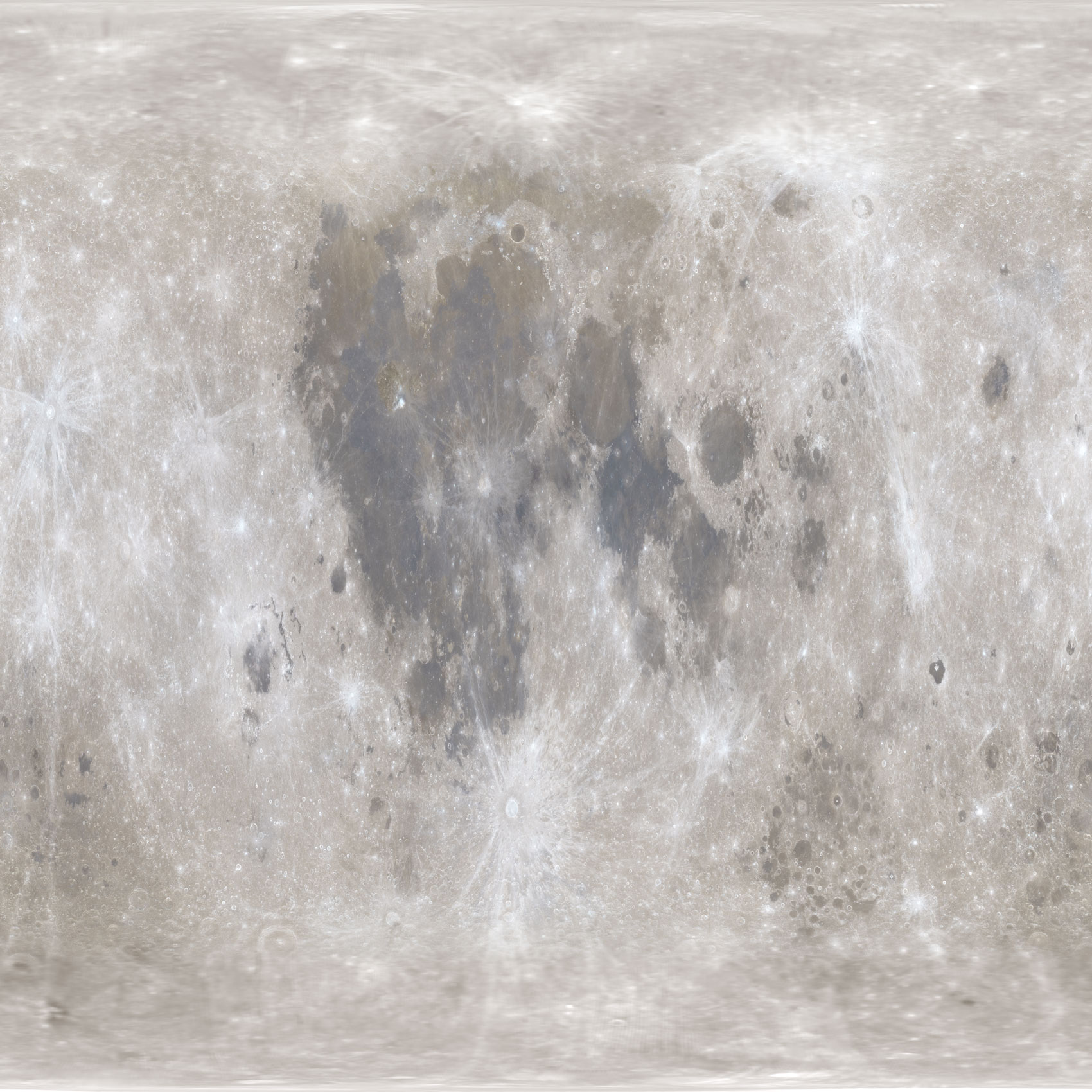
I used a custom Python script to slice, scale, and re-project the original equirectangular image. The script takes the original image and divides it by dividing it by the model’s circumference. Then slices the data into 16 gores. While increasing the number of gores would enhance the smoothness of the reference, this was just for me to make sure that the painting work was accureatly applied.
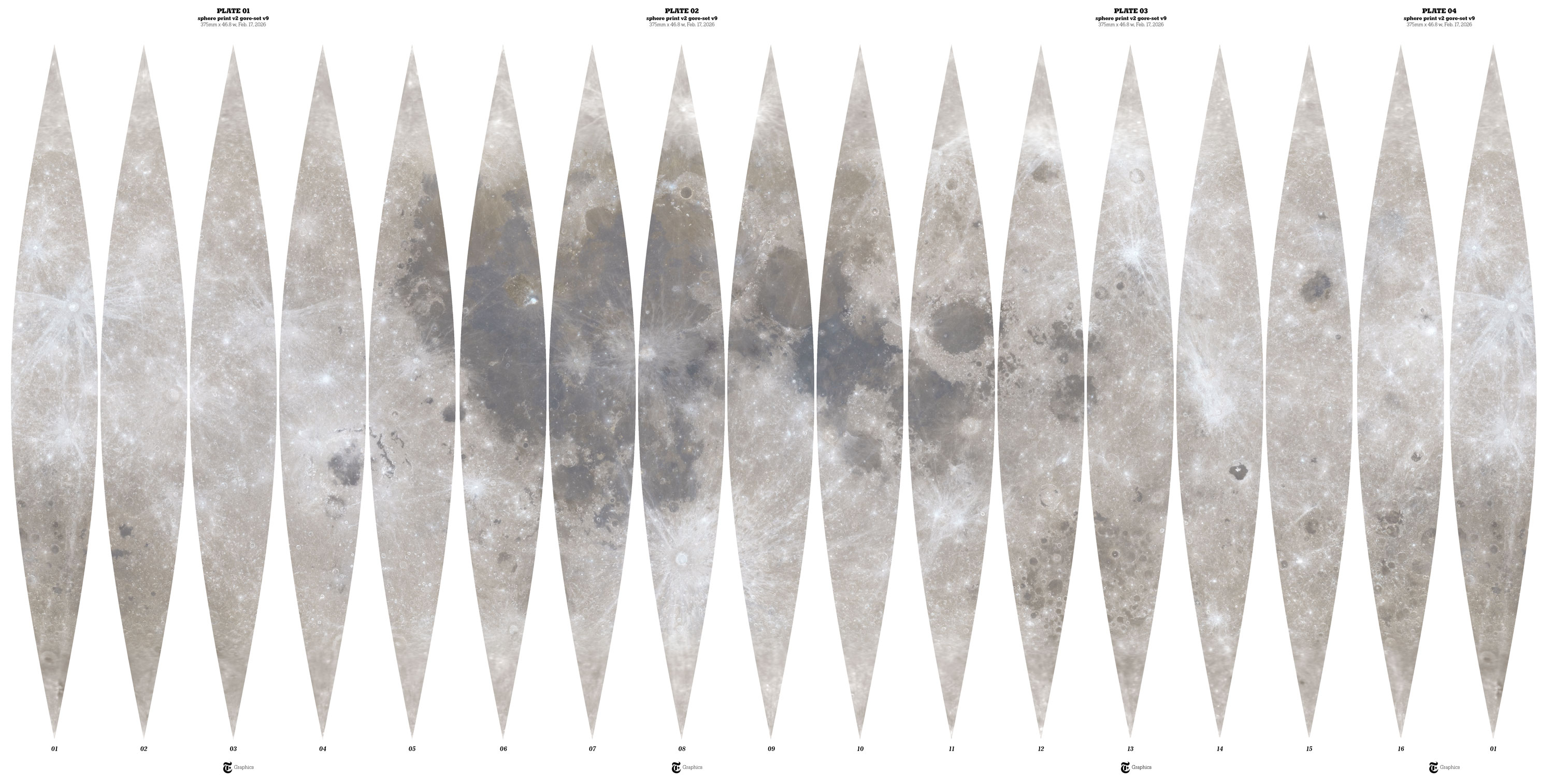
Moon gores
I added numbers to the back gores and draw some references with a marker on top of my model, that helped me to check the alignment of terrain and color.
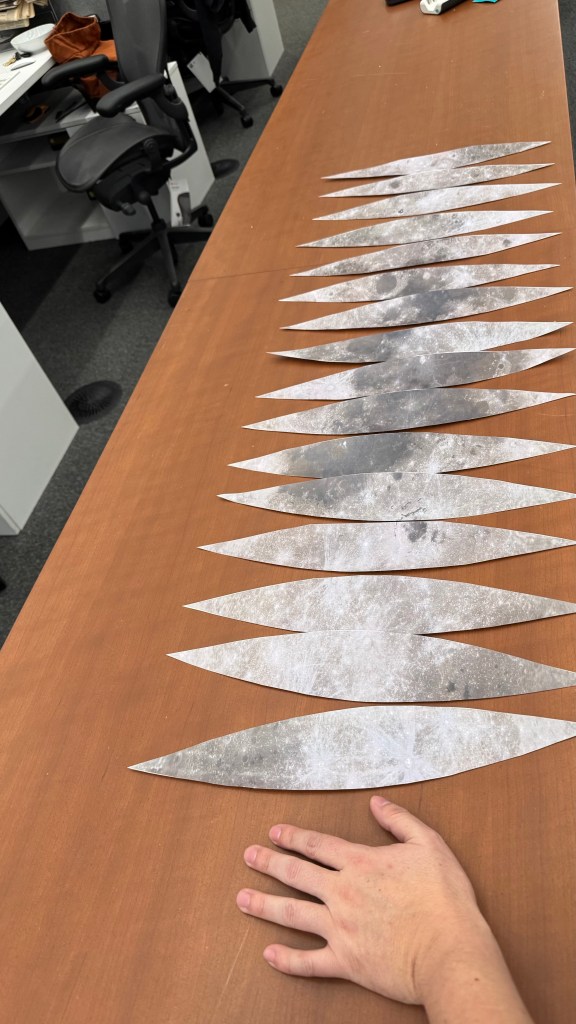
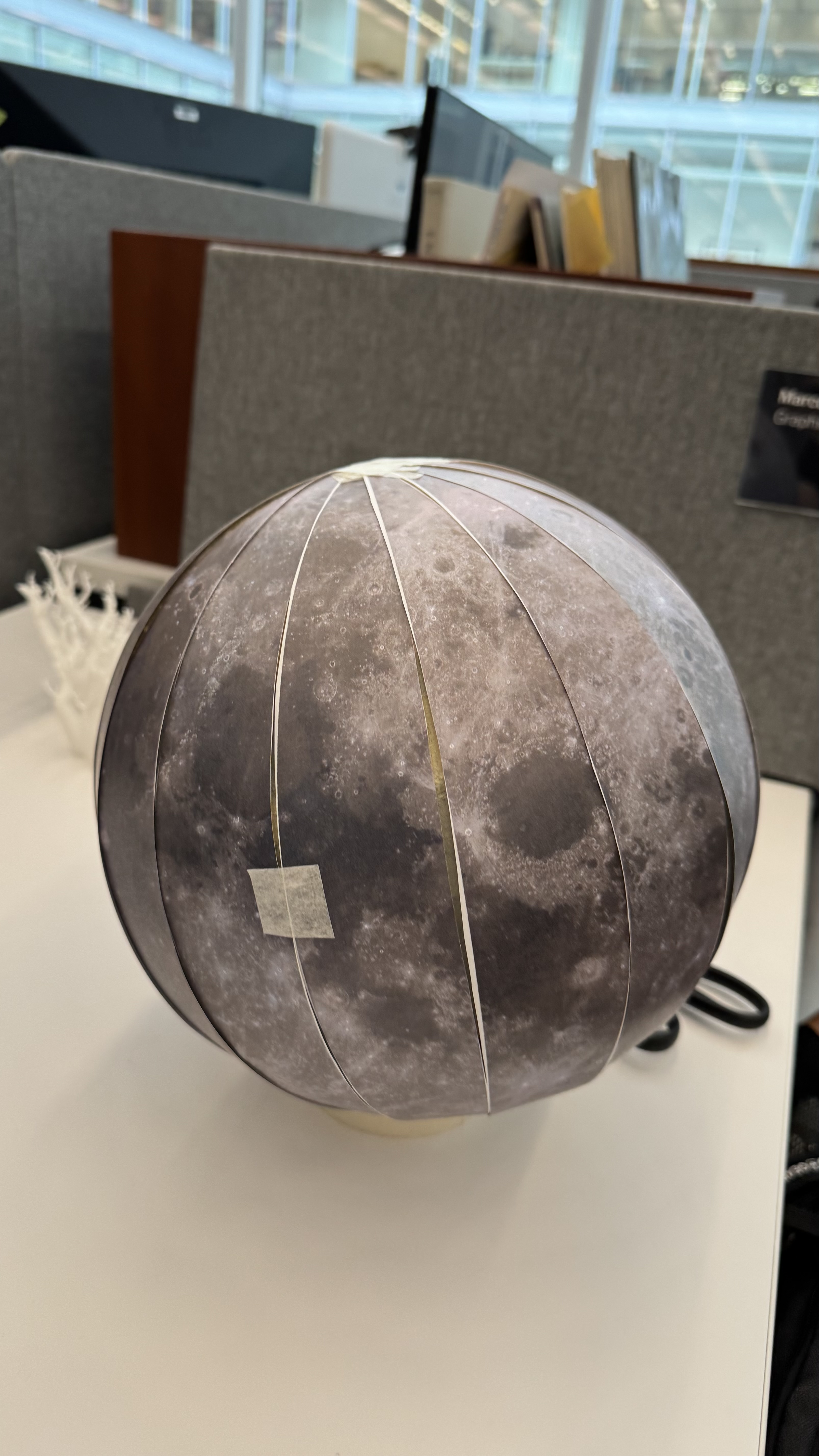
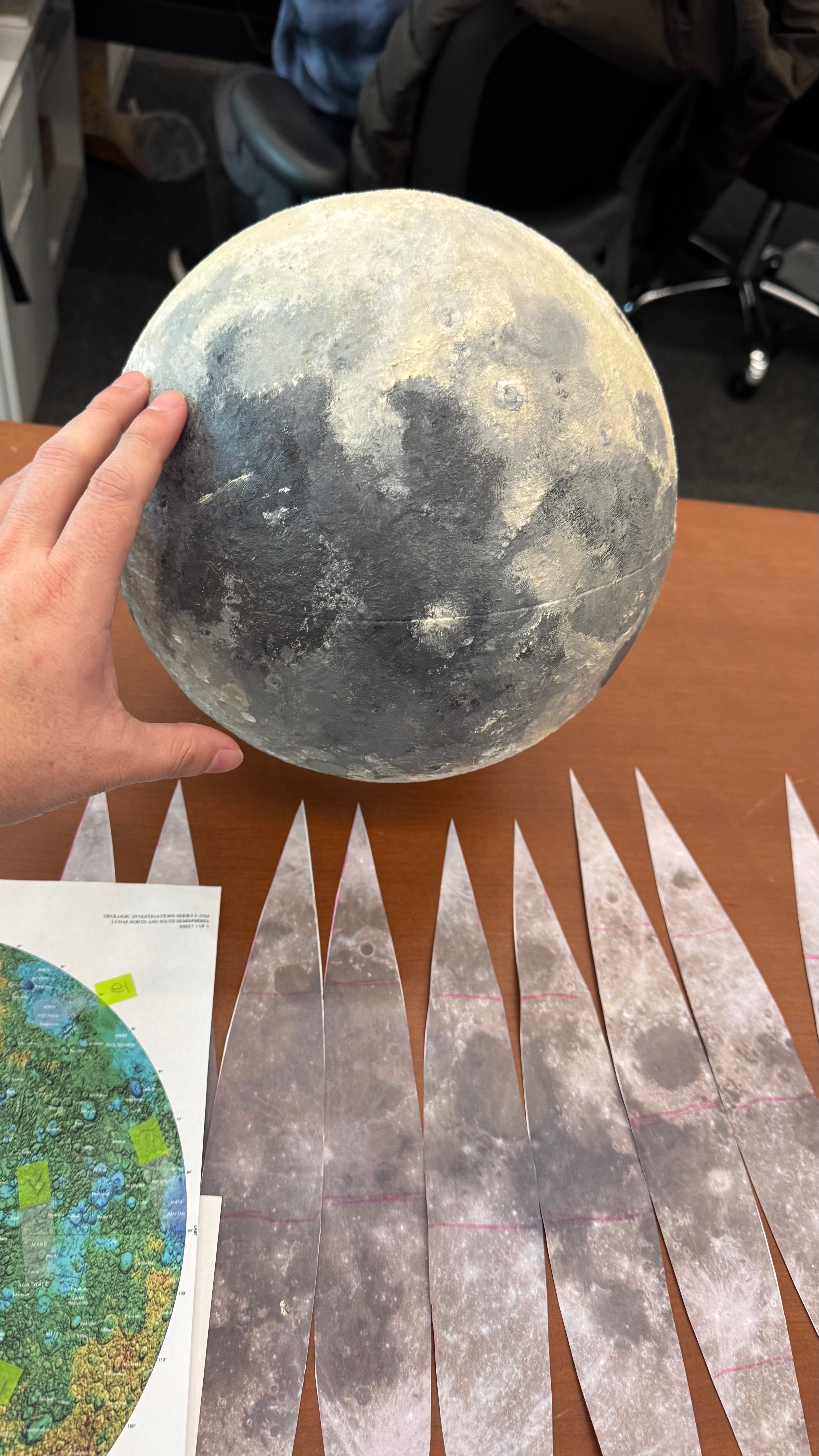
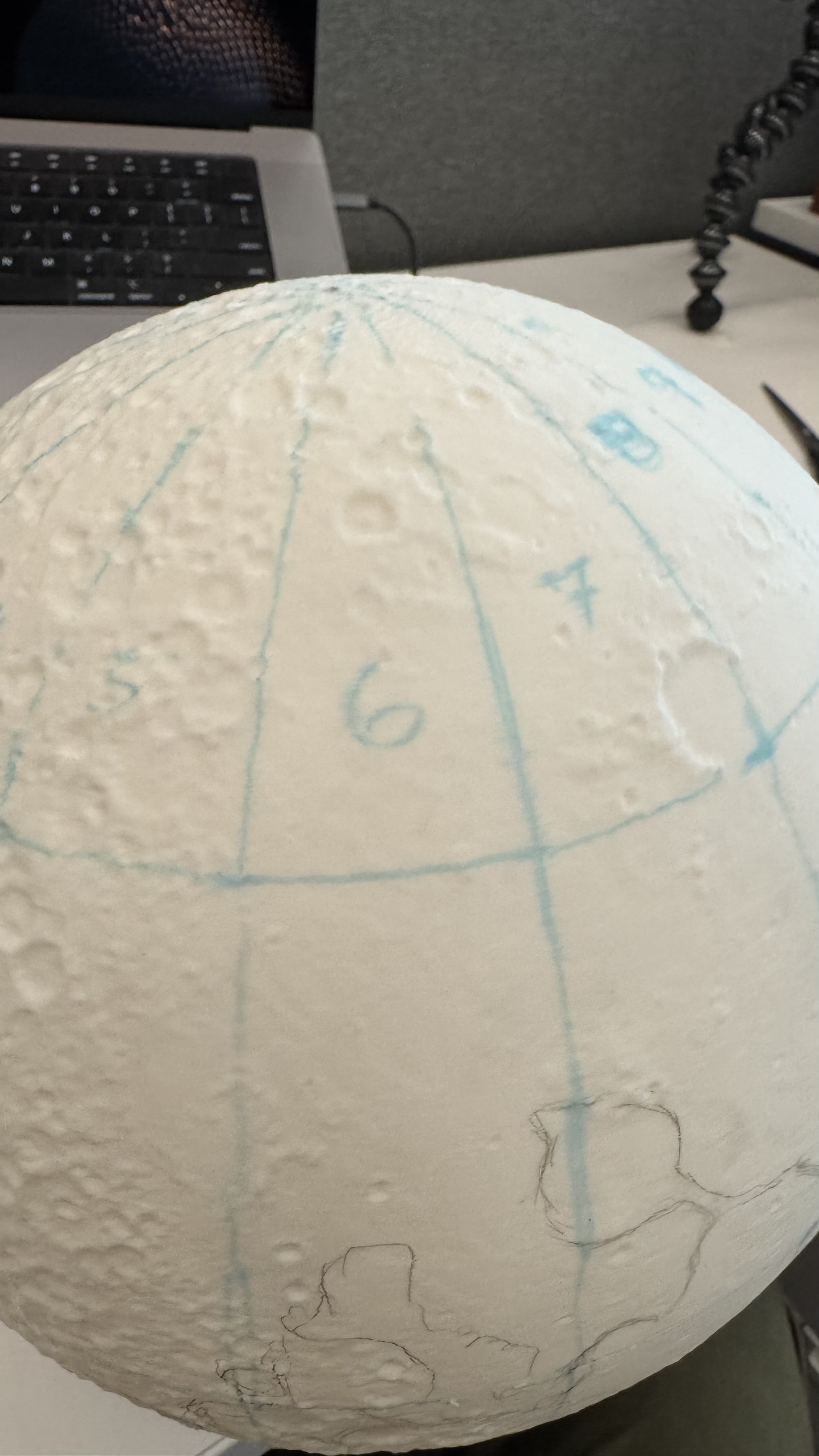
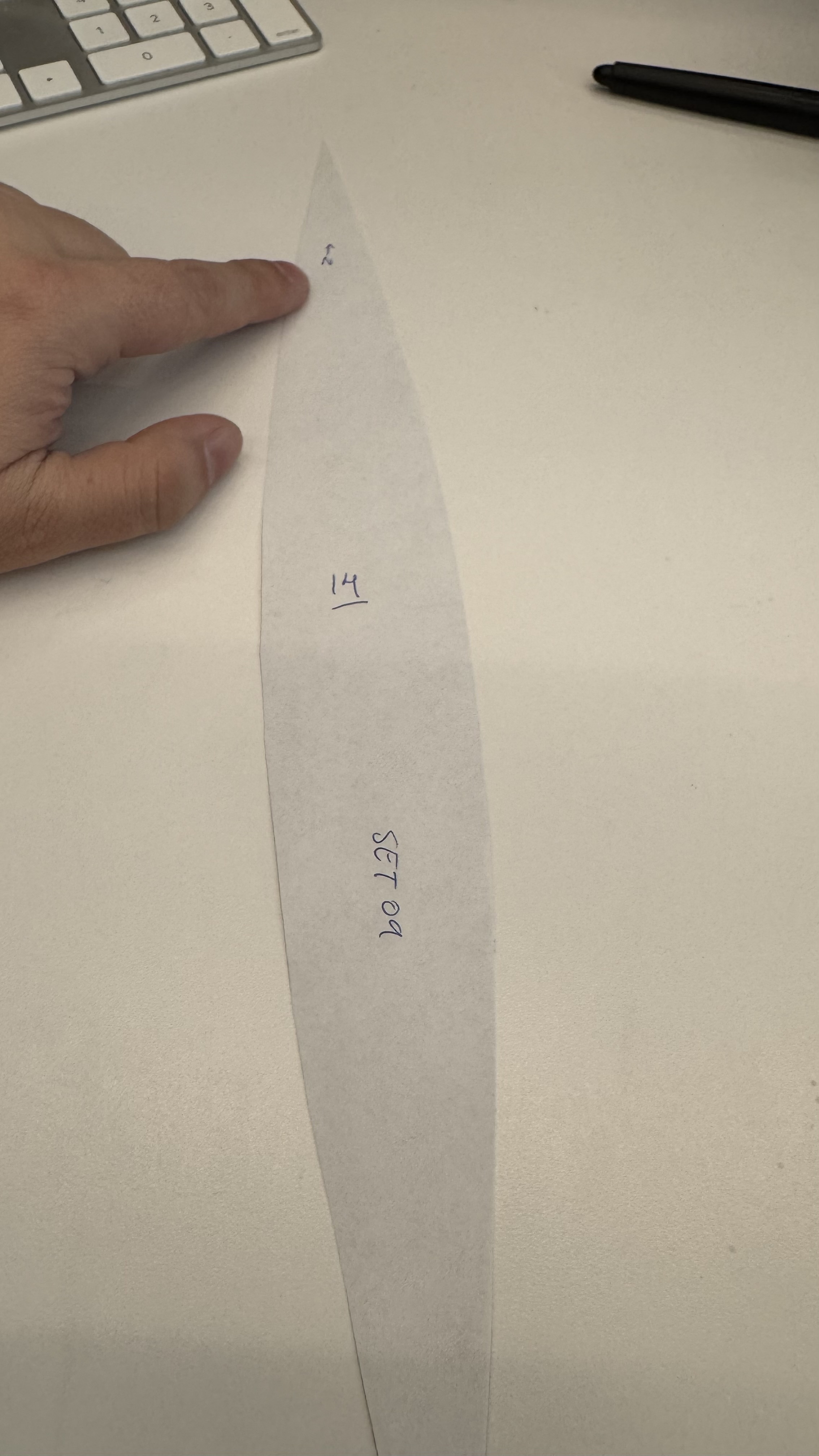
Then it was like peeling an orange while adding color.
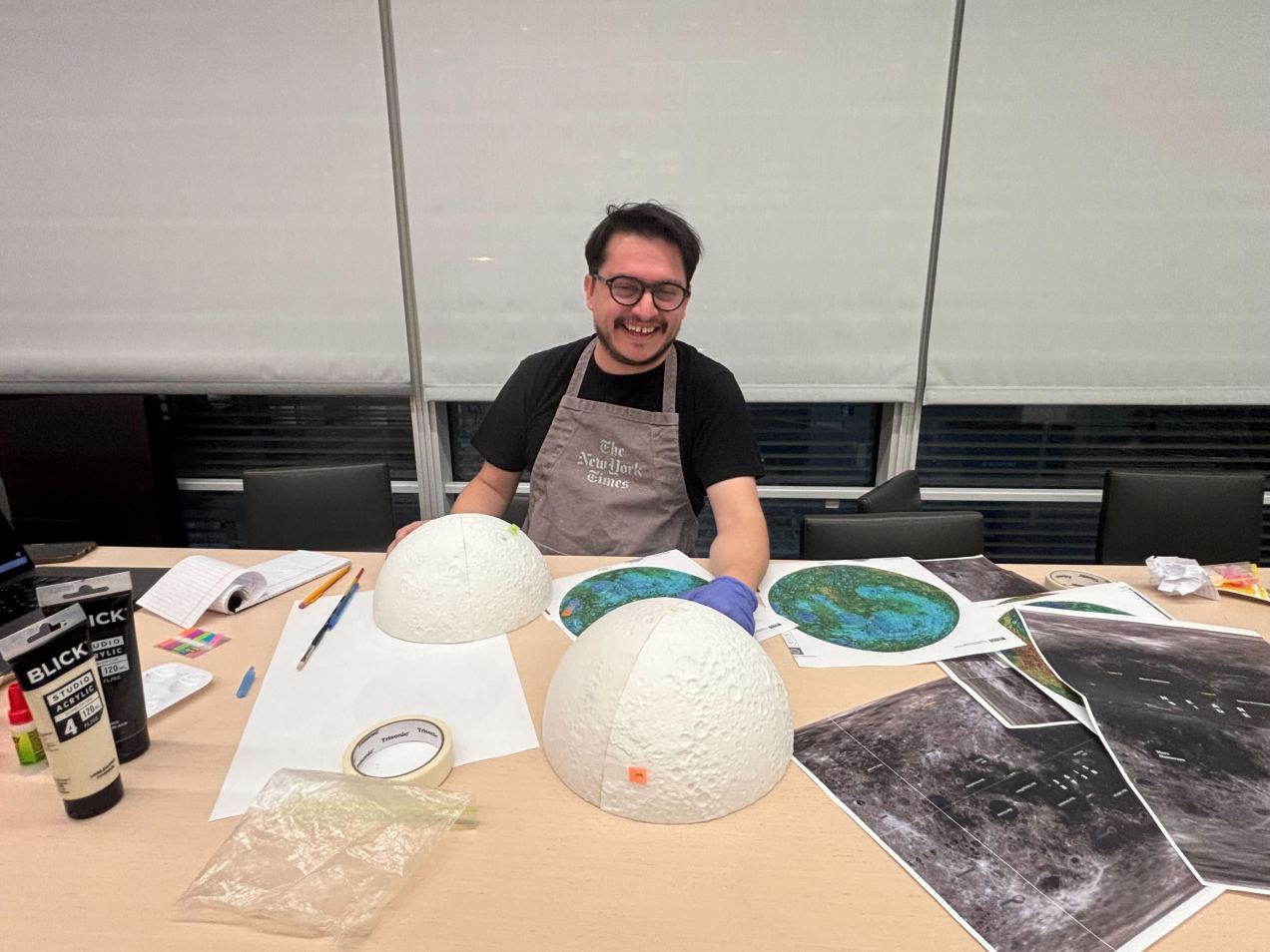
After I finish the first paint work, the model was almost there, but it was not perfect, the joints of each of the 4 wedges were not perfect, the color was also a little off in some areas, so I printed a second model and improved the process to make it crisp. Here’s a view of the working area around my desk. You can see a few of the white organic supports next to the version 2.0 and some other tools and things all over the place.
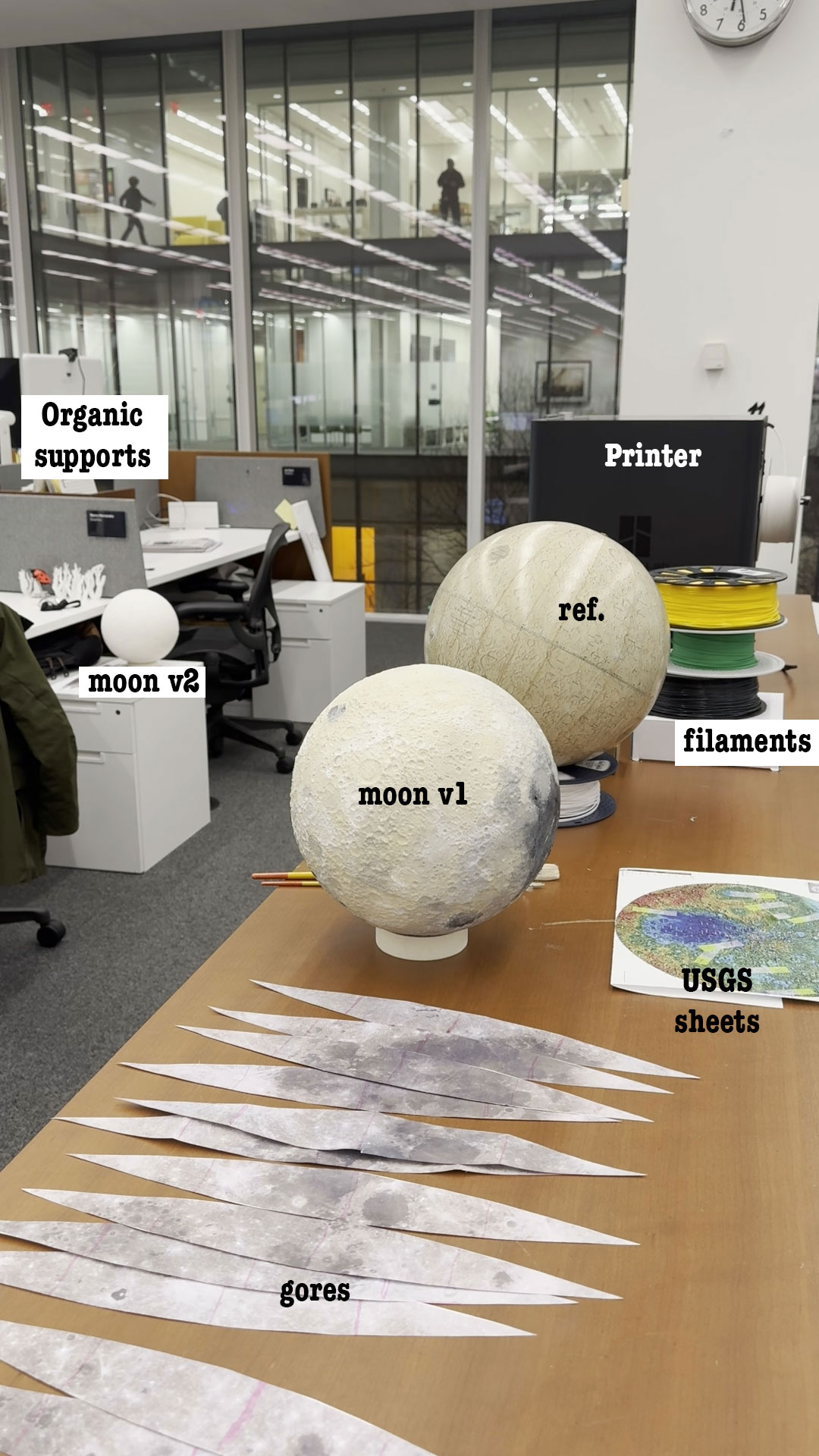
Once the moon was ready, I did a day of recording with the video folks in the studio. They did an amazing work editing the final piece, we used the model here, and here. I also posted a little timelapse showing the painting process, you can take a look here.
It is important to note that I worked all of these things while also working on six additional pieces that showed various aspects of the mission. The experience was both pleasant and quite exhausting.
Thanks for reading!

